
Awareness
Every dollar, accounted for.
When you add what you spend, you notice it. Skip keeps the count, so nothing slips by.
Track spending, bills, cards and loans in one calm, private app. No bank login, ever.



Why Skip
Every dollar, accounted for.
When you add what you spend, you notice it. Skip keeps the count, so nothing slips by.
No bank logins. Ever.
Skip never connects to your bank. You type a balance once and Skip keeps it current.
You decide, not an algorithm.
Nothing is guessed for you or sold to you. Your money, your rules.
People once tracked every penny in a ledger. Skip brings that habit into modern life, without the paperwork.
What Skip can do
Private by design. Your bank details stay yours.

Scan a receipt or just say it. Photos never leave your phone.

Interest by the day, and your debt-free date.

See what your daily coffee costs, and what skipping it saves.

Money left over moves to savings. Watch your goals fill up.

A heads-up before every bill, synced to your calendar.
Add it in seconds
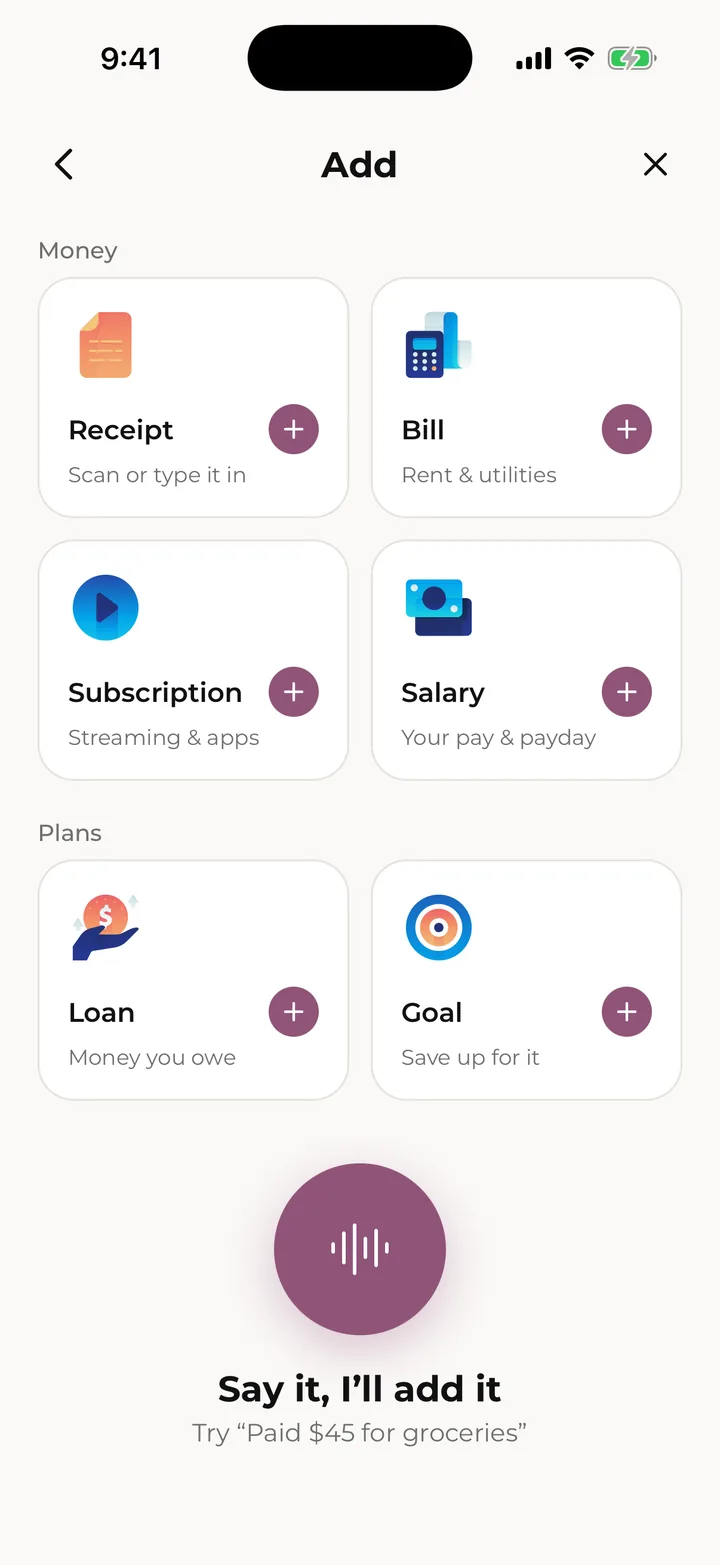
Tap + Add and pick what to add: a receipt, a bill, a subscription, your pay, a loan or a goal.
Voice entry is part of Skip Pro.
Bills on autopilot
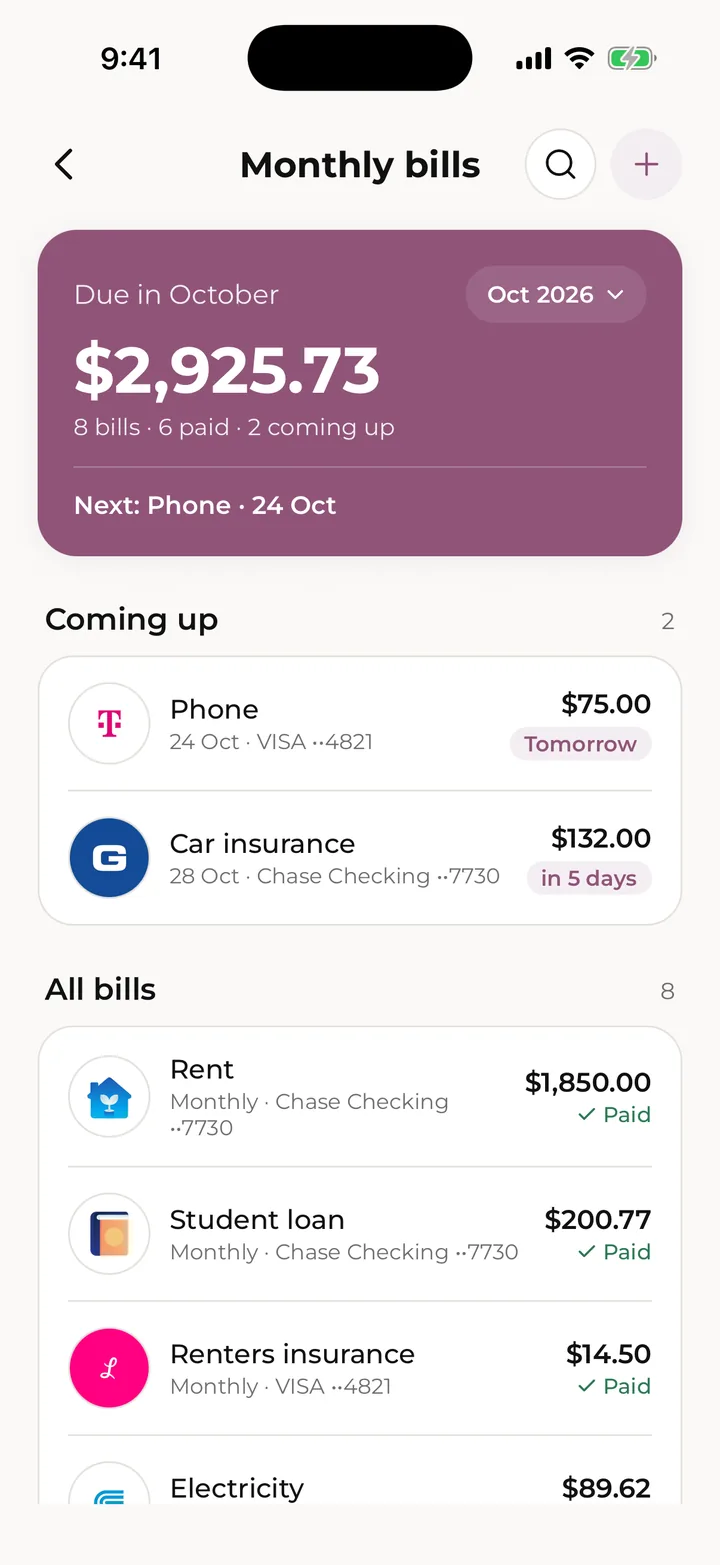
Add a bill or subscription once. Skip records it each time it comes around, reminds you before it’s due, and keeps your Current balance right without you lifting a finger.
See what’s due this month, what’s paid and what’s next, and look back through every payment.
Loans, down to the cent
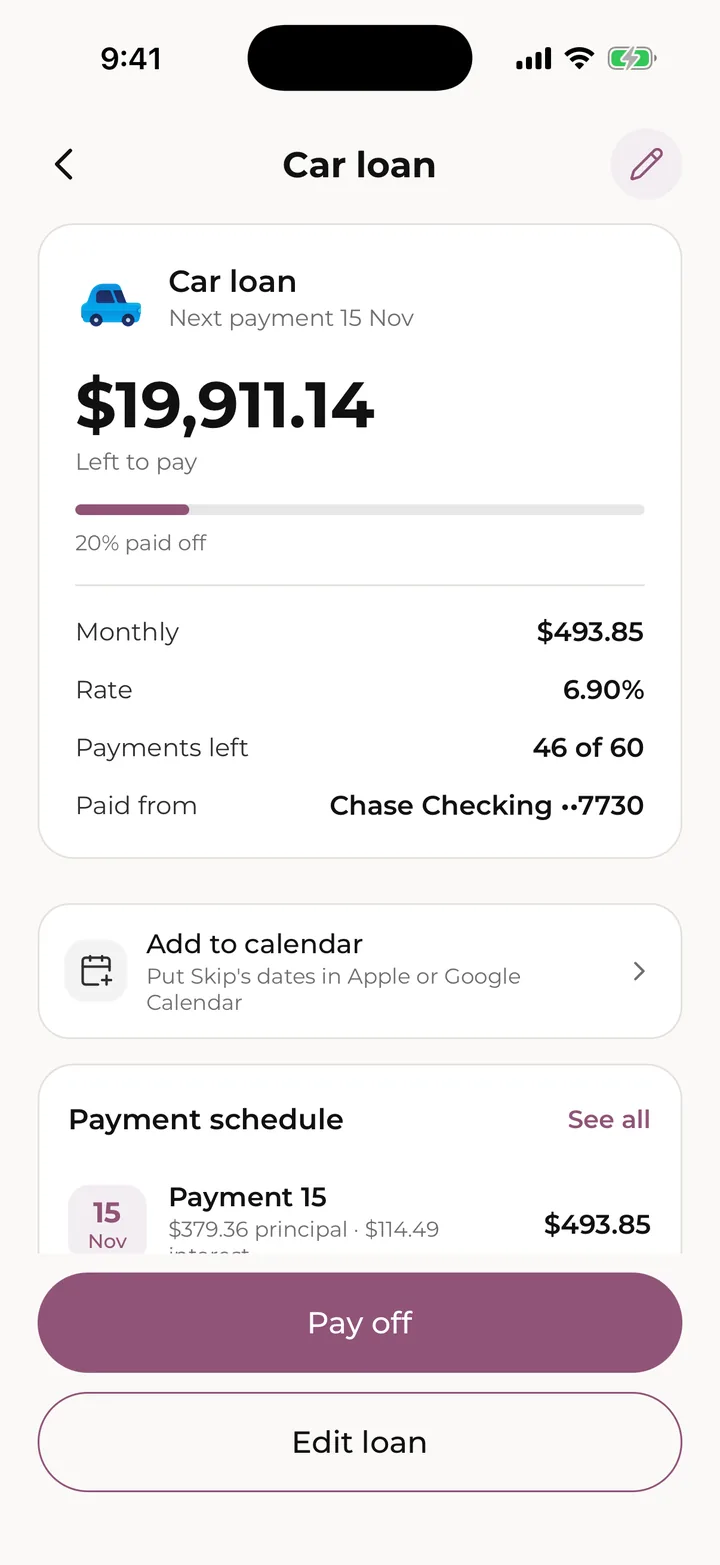
Skip works out interest by the day, the way most lenders do, so every payment splits into interest and principal like your statement.
See what’s left and every payment ahead. Pay extra when you can, and try numbers in the loan calculator to see how much interest paying early saves. The calculator is free for everyone.
Savings that add up
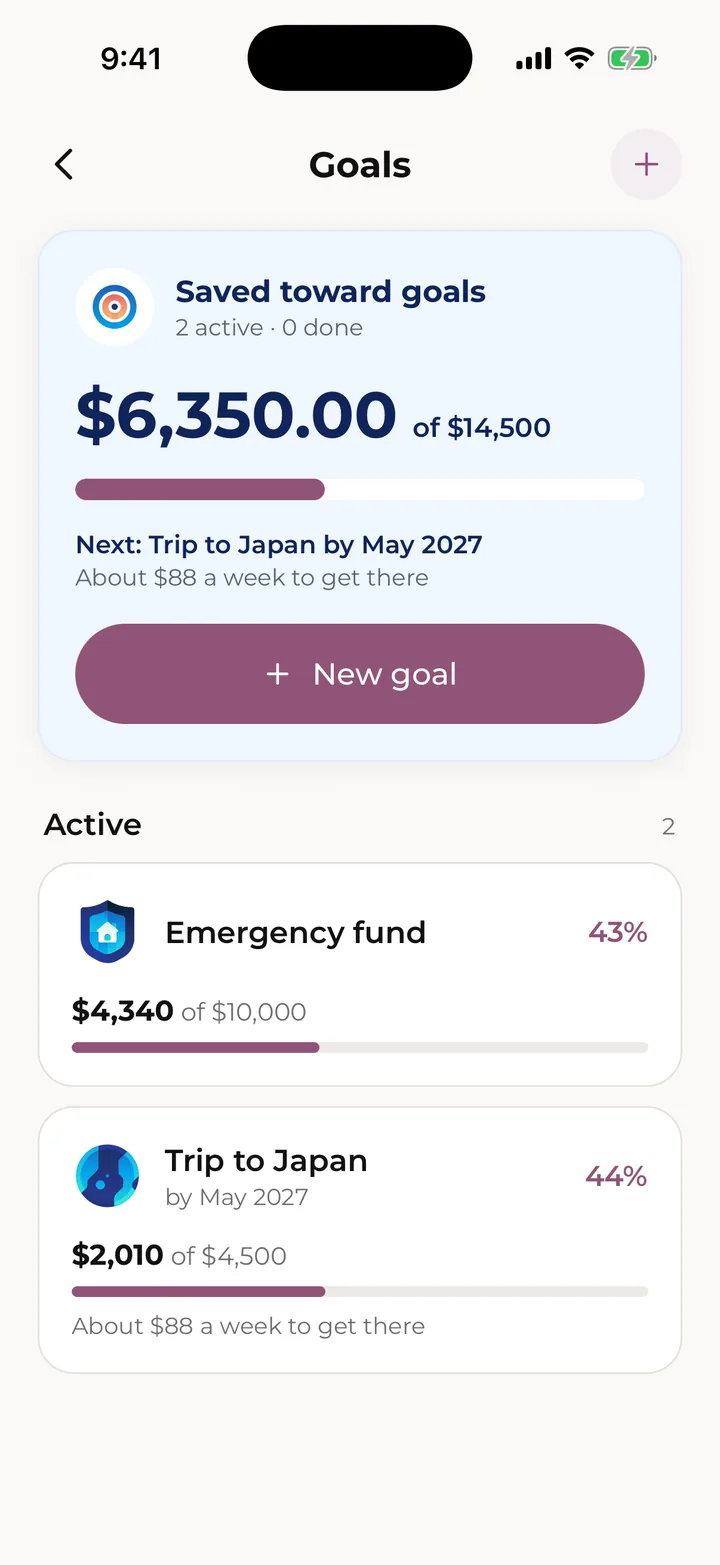
On the 1st of each month, whatever you didn’t spend moves to savings. Send it to your goals and watch them fill.
Bought what you saved for? Mark it as spent and Skip files the purchase for you.
Private by design
Most money apps start by asking for your bank login. Skip never does. You stay in charge of what goes in, and it stays between you and your phone.
Read the privacy policySkip never connects to your bank or asks for a bank password.
Scans and uploads are read on the device. The photos are never uploaded.
Skip doesn’t sell your data, share it for advertising, or track you across apps.
Delete your account in Settings and everything in it goes too.
Free and Pro
Skip Pro is a monthly or yearly subscription through the App Store or Google Play, priced in your own currency in the app.
Everything you need to start.
For the whole picture.
Older history isn’t deleted on Free, only hidden from lists, and it still counts in your balances.
Help, right away
Sam is Skip’s built-in helper, not a person and not an AI. Ask in your own words, in English, Spanish or French, and get a straight answer about any screen, number or rule.
Chat with Sam
Skip Budget launches on the App Store and Google Play together.
Coming soon to both stores